How it works
How Breakly prices every order
From the first paint of your product page to the last line of checkout, one set of offer rules decides the price. Here is what runs where.
1 · Product page
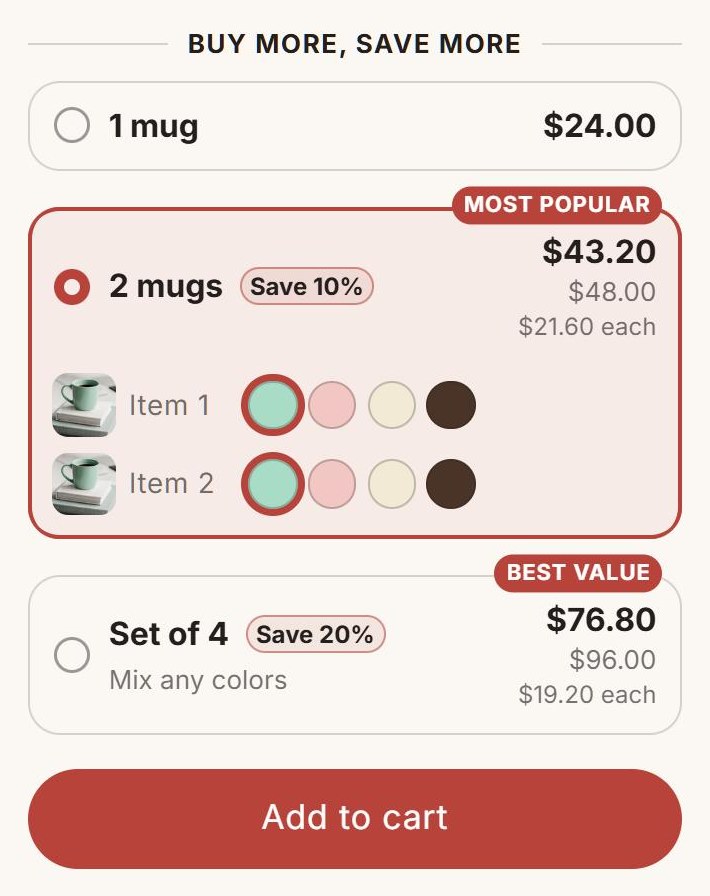
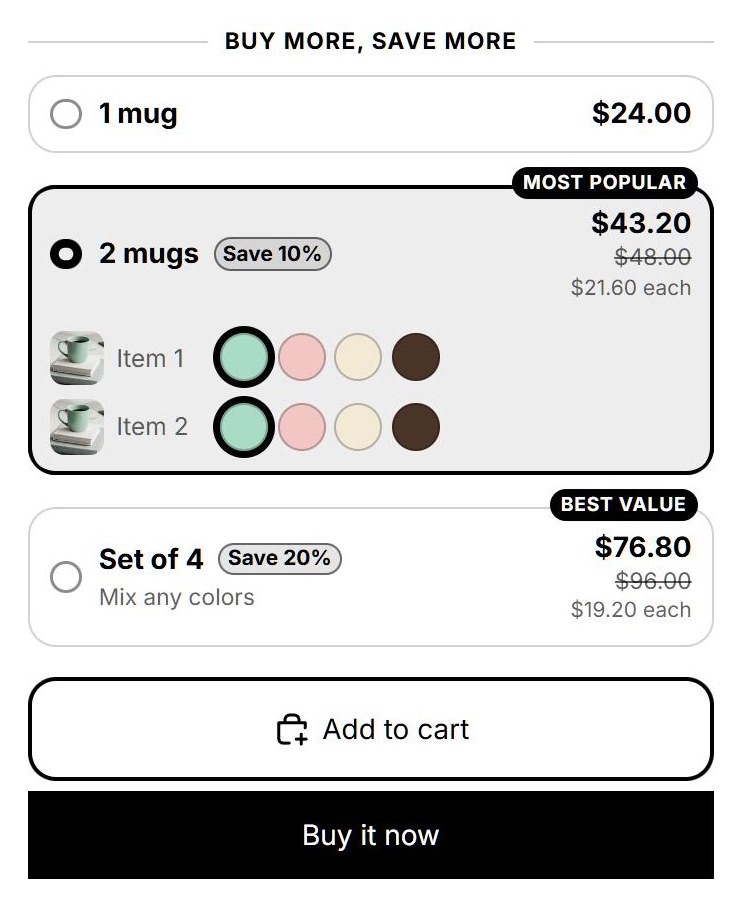
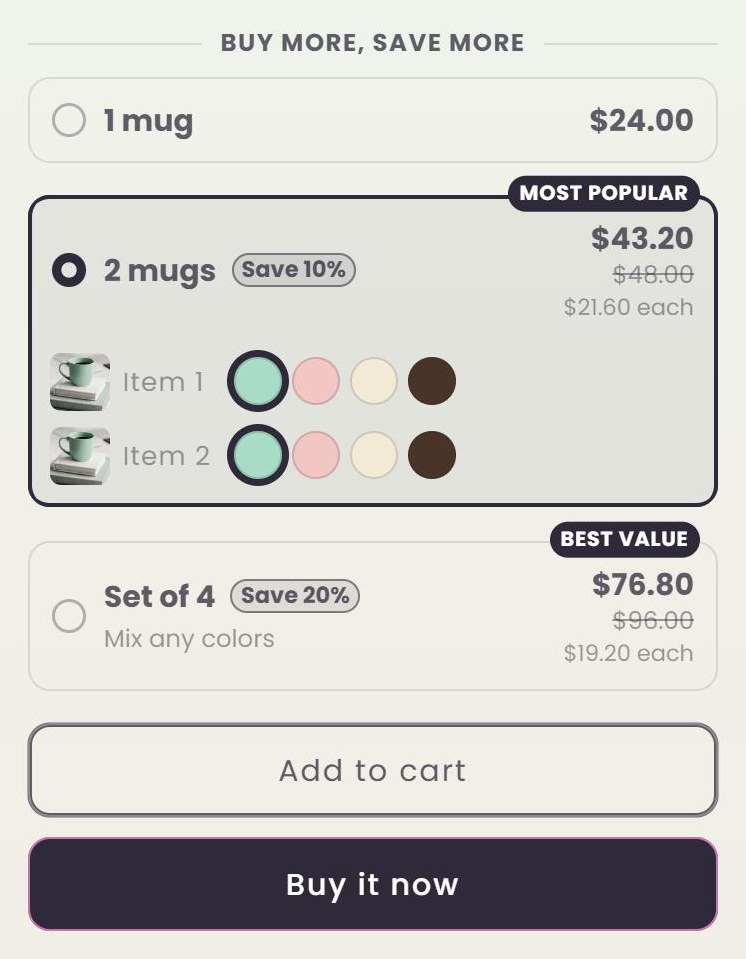
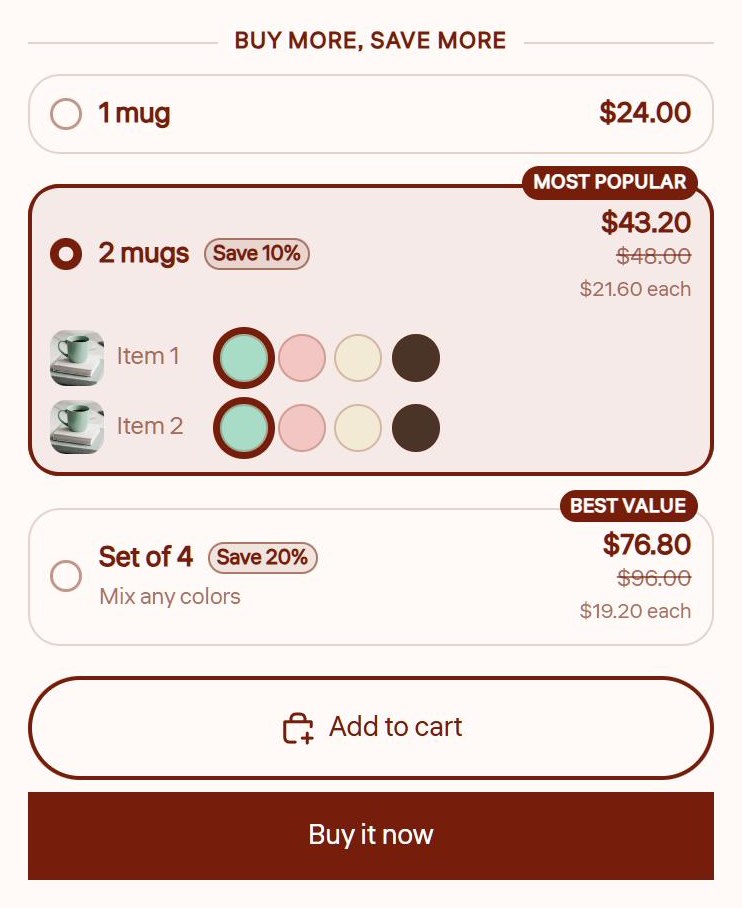
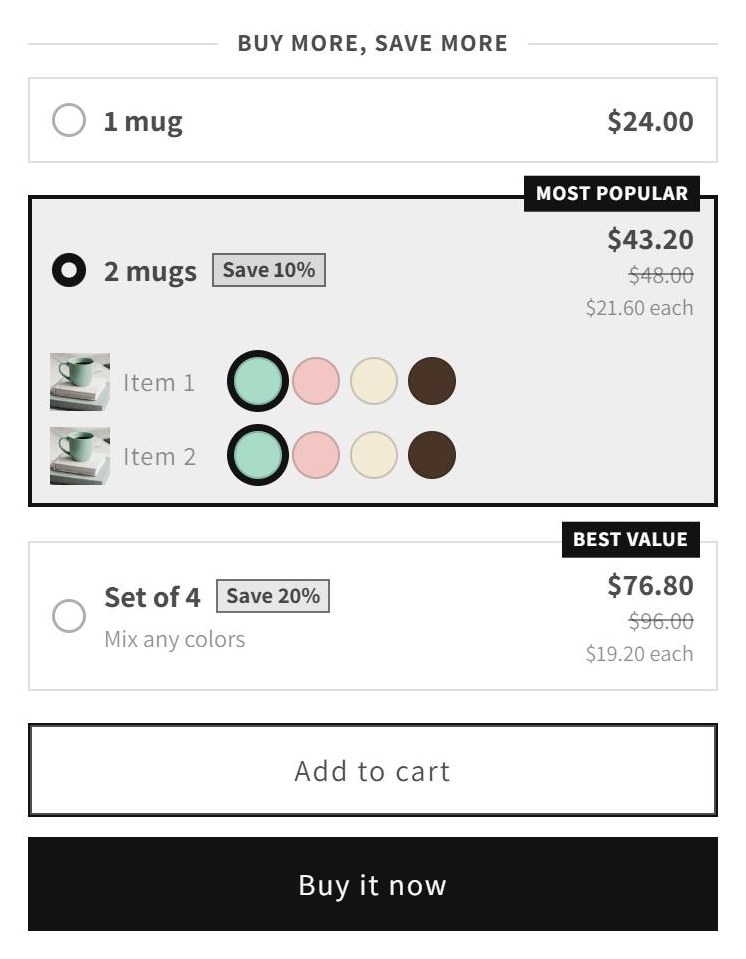
Your theme renders the tiers with Liquid from the offer saved on the product, so they appear with the page, without a request to Breakly. A script under 10 KB handles clicks.
2 · Cart
When a shopper adds a tier, Breakly sets the quantity in your theme's own form, so your cart drawer, notifications and analytics work as usual.
3 · Checkout
Breakly's discount is a Shopify Function. Shopify runs it inside checkout with the same rules the widget used, so the totals match.
Exact pricing
Why the totals always agree
Many apps draw prices in the browser and apply a different discount later. Breakly computes both from the same rules.
- One automatic discount covers all your offers, so there are no codes for shoppers to lose
- Price endings such as .99 are applied the same way on the page and in checkout
- The Price check tool in the app shows what checkout will charge for any product and quantity
Themes
Placed by your theme editor
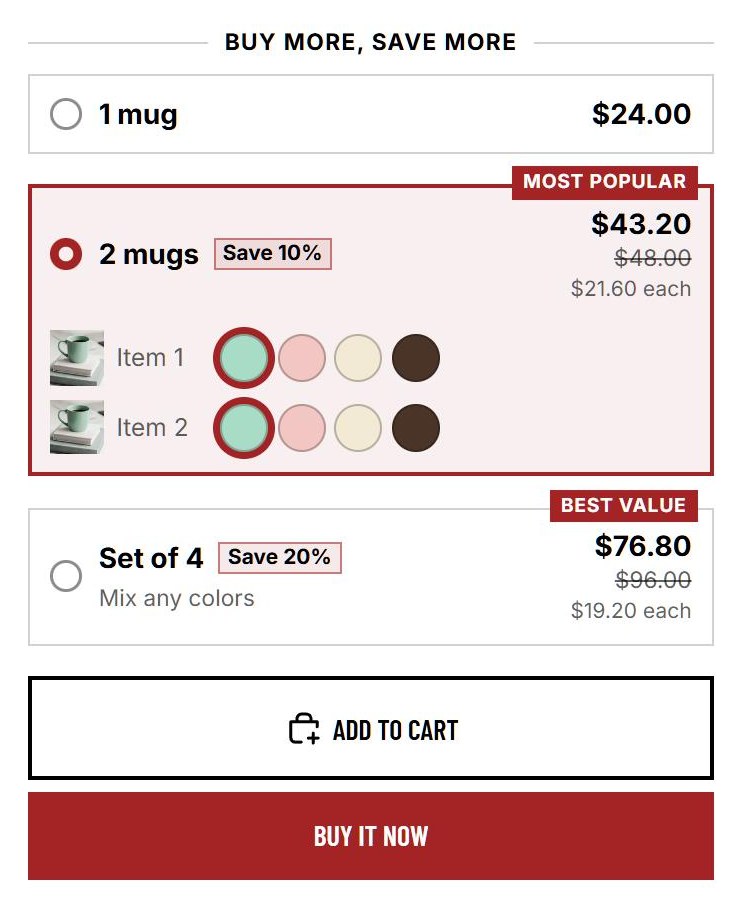
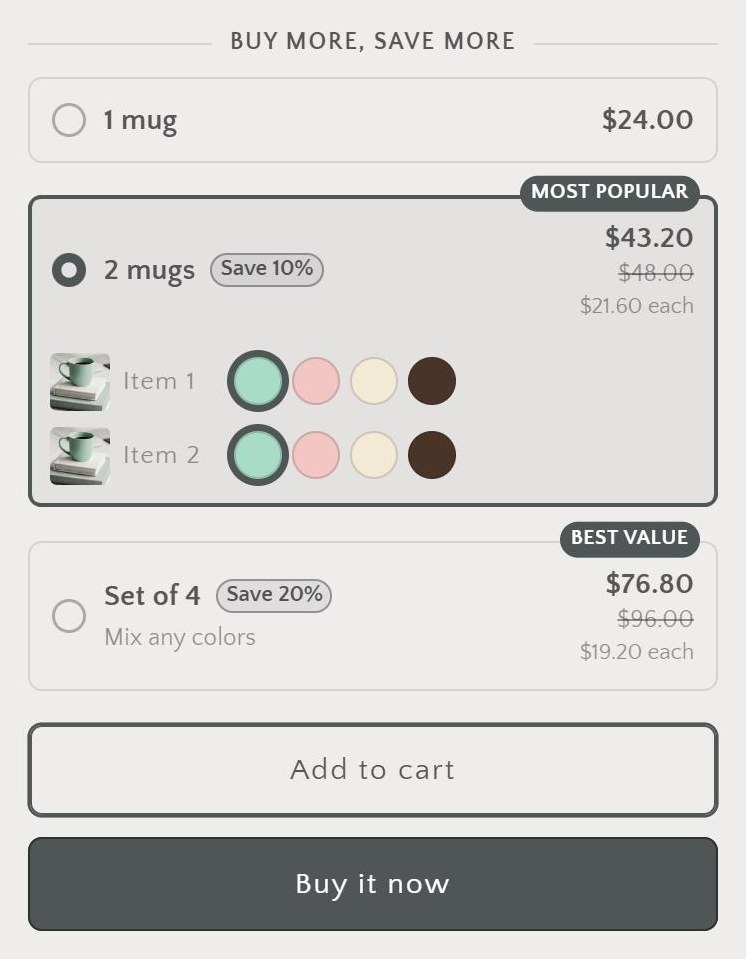
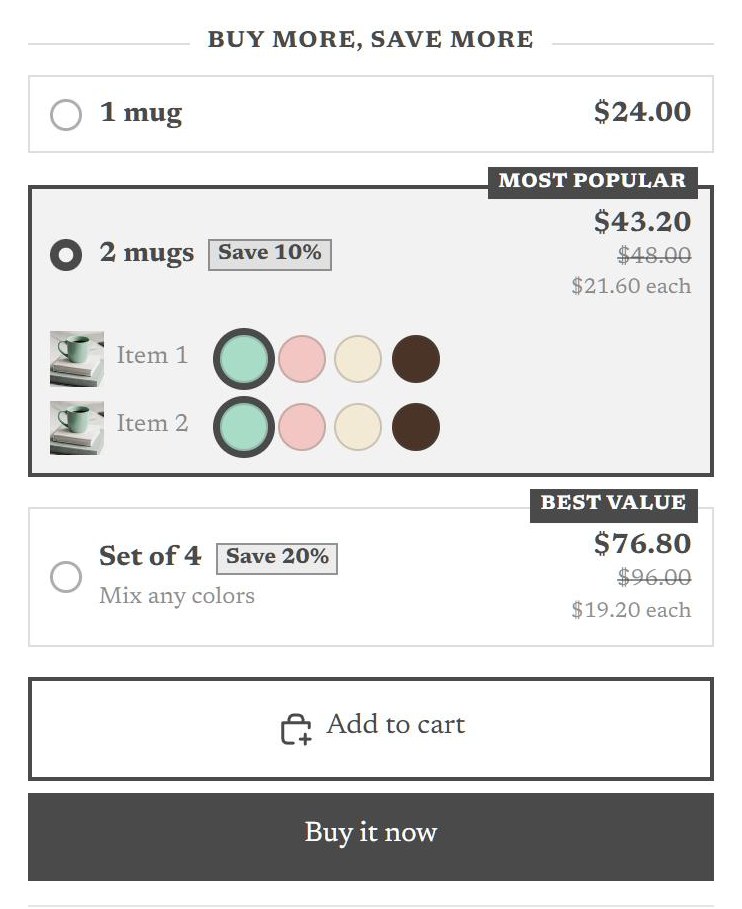
Turn on the app embed and Breakly places the tiers above your buy buttons, or add the block and drag it where you want. Uninstalling removes both.
Live in three steps
Install Breakly
Add it from the Shopify App Store. Breakly sets up its discount and storefront settings on its own.
Create an offer
Pick products or collections, add the tiers, and choose a discount type for each one.
Turn on the widget
Switch on the Breakly app embed in your theme editor, or place the block exactly where you want it.
See it on your own product page.
Free up to 100 discounted orders a month.